Aidat Ödemeleri Bill Payment and Debt Enquiry
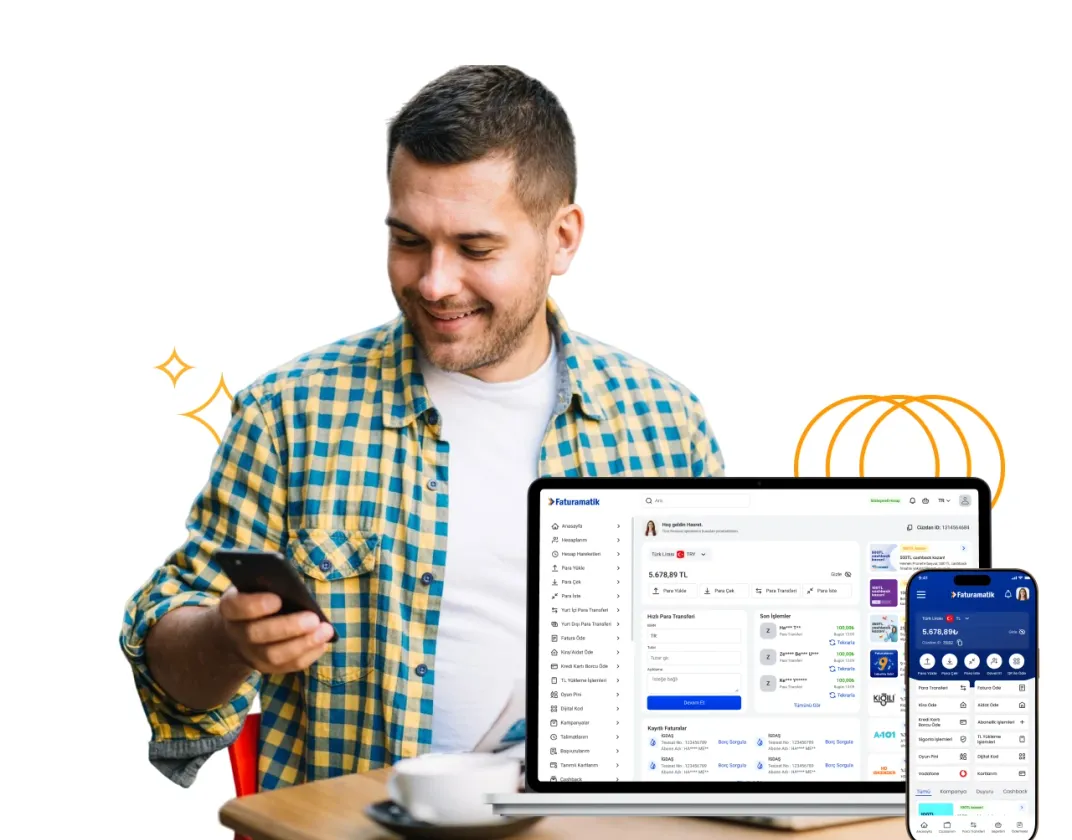
Pay your Aidat Ödemeleri bill without going to the institution. You can pay from Faturamatik Wallet, the internet branch or Faturamatik points in 81 provinces, and split it into up to 12 instalments with a credit card.

How Do You Pay?
- Pay Online
Enter your subscriber details, query your debt and pay instantly with your card. No membership required.
- Internet Branch
Log in to your internet branch from your computer and manage your bills on a single screen.
- Faturamatik Wallet
Query your bill in the app and pay 24/7 with your saved card or wallet balance.
- Nearest Faturamatik
You can pay in cash or by card at thousands of points in 81 provinces.
Step-by-Step Bill Payment
- 1
Choose your institution
In Faturamatik Wallet or the internet branch, select the institution you will pay from the list.
- 2
Enter your subscriber details
Enter the subscriber, installation or customer number on your bill so your current debt appears.
- 3
Complete your payment
Pay with your saved card, debit card or wallet balance; with a credit card you can split it into up to 12 instalments.
- 4
Keep your record
Your payment stays on record in your transaction history; you can always view it later.
How is a Aidat Ödemeleri bill queried?
The maintenance fee payment is made with the flat or subscriber number defined by the management. The management must be registered in the Faturamatik system; if it is not, you can get information from the management.
- Don't confuse your flat number with the subscriber number given by the management; the query uses the registered number.
- If you are a site management, you can also collect your payments with YöneticiPOS.
Why Faturamatik?
Licensed payment institution
Faturamatik operates under an electronic money and payment institution license.
Up to 12 instalments
You can split your bill payment into up to 12 instalments with a credit card.
Open 24/7
Digital channels are open day and night; you don't have to wait for business hours.
Points in 81 provinces
If you prefer to pay in cash, you can use Faturamatik points in 81 provinces.
Frequently Asked Questions
Yes. You can pay your Aidat Ödemeleri bill by debit or credit card and split it into up to 12 instalments with a credit card.
The maintenance fee payment is made with the flat or subscriber number defined by the management. The management must be registered in the Faturamatik system; if it is not, you can get information from the management. When you select Aidat Ödemeleri in Faturamatik Wallet or the internet branch, your current debt appears on screen.
You can pay via Faturamatik Wallet, the Internet branch or Faturamatik points in 81 provinces. Digital channels are open 24/7.
Yes, you can. Since the enquiry is made with the subscriber details, the bill does not need to be in your name.
When you pay by credit card, you can split your bill into up to 12 instalments. Instalment options are shown at the payment step.
All your payments are kept in the Faturamatik Wallet transaction history; you can view them retrospectively.
Your payment is received instantly; the time it takes to appear in the institution's own system may vary by institution. You can always show your payment record from your transaction history.
Create your account in a few steps.
You can create your Faturamatik Wallet account in a few steps and start using it right away.
QR Code
Scan, Download