Mobile and Internet Branch for Businesses
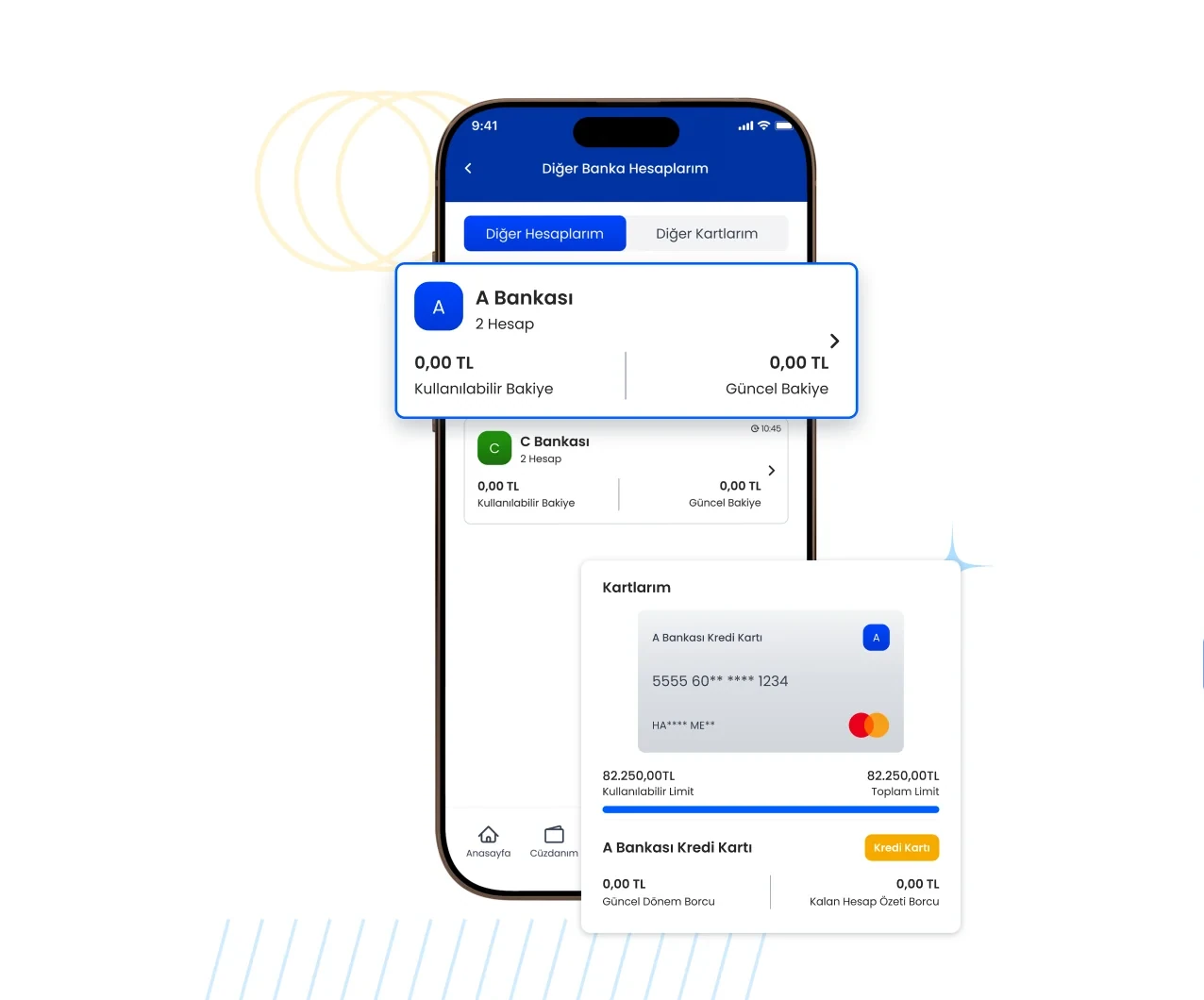
Use the mobile branch (wallet) and internet branch tailored to your business; manage all your transactions and balance from one place, day or night.
What can you do with Mobile and Internet Branch for Businesses?
Balance and transaction management
See your account balance and follow incoming collections and outgoing payments from one screen.
Take contactless payments
You can collect customer payments contactlessly through the mobile branch.
Take payment by link
Create a payment link, send it to your customer and complete the collection remotely.
Bulk payment
You can start staff, supplier and dealer payments in bulk.
24/7 access
You can carry out your transactions whenever you want, without waiting for office hours.
Bill payments
You pay electricity, water, gas, internet and other institution bills from the corporate mobile and internet branch.
Money transfer transactions
You start domestic and international money transfers from the corporate mobile and internet branch.
Subscription transactions
You manage internet, TV and digital subscription applications from a single screen.
Package and top-up loads
You make package and credit top-ups for all operators from the corporate mobile and internet branch.
POS account management
You monitor your POS account, your collections and end-of-day movements.
Commission rate management
You see commission rates and manage them with deferred settlement options.
Insurance transactions
You get insurance quotes and carry out policy transactions from the corporate mobile and internet branch.
Get account movements via API
You can retrieve your account movements via API and use them in different systems.
Licensed infrastructure
Your transactions run on the CBRT-licensed Faturamatik infrastructure in line with security standards.
Where Can You Do It?
- Internet branch
Log in from your computer and manage your transactions on a large screen.
- Mobile branch (wallet)
See your balance, take payments and track your collections from your phone.
Use of the mobile branch and internet branch is defined together with your corporate wallet account.
Create your account in a few steps.
You can create your Faturamatik Wallet account in a few steps and start using it right away.



QR Code
Scan, Download