Senin telefonun senin POS’un!
İş yerindeki cep telefonlarını POS cihazı olarak kullan; masadan, kapıdan ya da istediğin yerden temassız ödeme al. VUK507 tebliğine uygundur, harici yazarkasa gerektirmez.
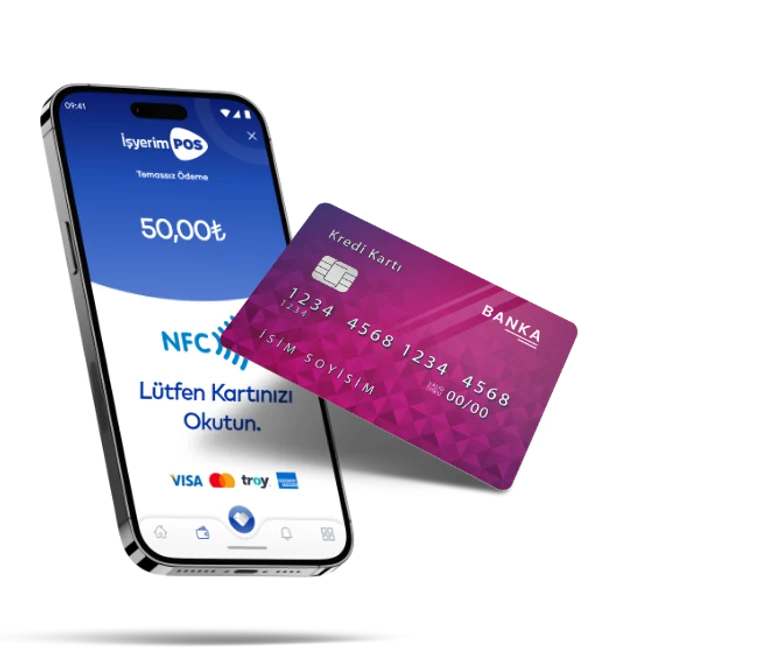
Android Telefonunu Fiziki POS Cihazı Olarak Kullanabilirsin!
Mobil şube ile iş yerindeki cep telefonlarını POS cihazı olarak kullanabilir; masadan, kapıdan ya da istediğin yerden temassız ödeme alabilirsin.
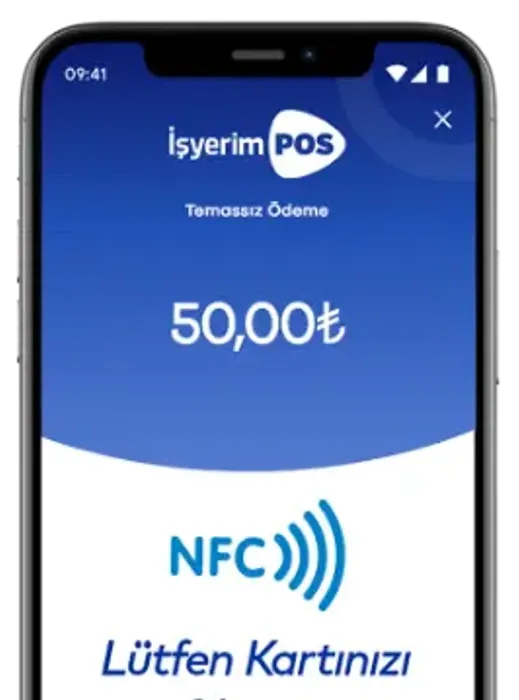
- Ek cihaz gerekmezMevcut telefonun POS’a dönüşür; ayrı bir cihaz almana gerek kalmaz.
- NFC ile temassız ödemeKartı telefona okutarak temassız tahsilat yapabilirsin.
- Limit aşımında şifreli işlemTemassız ödeme limiti aşıldığında kart şifresiyle işlem tamamlanır.
- İstediğin sayıda cep telefonuİstediğin sayıda cep telefonunu kullanabilir, artırabilir ve azaltabilirsin. Üstelik tamamen güvenli.
- Diğer telefonlarda hızlı tahsilatNFC’si olmayan telefonlarda kart bilgisiyle hızlı tahsilat yapabilirsin.
- Yazarkasa gerektirmezVUK507 tebliğine uygundur; harici yazarkasaya ihtiyaç duymaz.
- Fraud yönetimi
- Ücretsen para transferi
- 6.000+ noktadan para çekme
- Uzman ekiplerle sürekli destek
- Ödemeler ertesi gün hesabında





Cep POS ile Fark Yarat
Cihaz, bakım ve kâğıt maliyetlerinden kurtul; tahsilatı cebindeki telefonla yap.
- POS ücretlerinden tasarruf etme.
- Bakım ve onarım maliyetlerinden kurtulma.
- Kâğıt (rulo) maliyetlerinden kurtulma.
- NFC ile temassız ödeme alabilme.
- Temassız ödeme limiti aşıldığında kart şifresiyle işlem yapabilme.
- Sınırsız sayıda Android telefondan NFC ile ödeme alabilme.
- Diğer işletim sistemli telefonlardan hızlı tahsilat yapabilme.
- Kredi kartından peşin ya da taksitli ödeme alabilme.
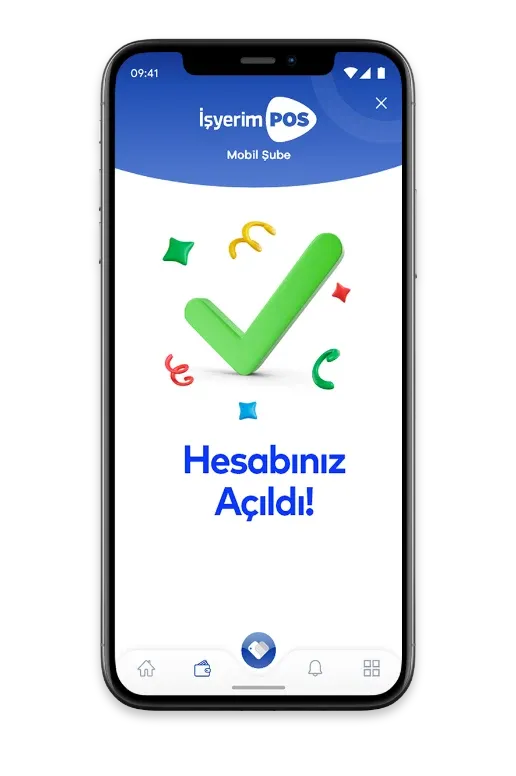
İnternet Şubesi & Mobil Şube.
Tüm işlemlerini yönetebileceğin internet ve mobil şube sağlıyoruz.
İşletmenize Özel Cüzdan Hesabı.
İşletmene, bankalara ihtiyaç duymadan hesap açıyoruz.
Cep POS Hakkında Sık Sorulan Sorular
Hayır. Mobil şube uygulamasıyla iş yerindeki cep telefonların POS cihazı olarak çalışır; ek donanım gerekmez.
NFC özelliği bulunan Android telefonlarla temassız ödeme alabilirsin. NFC’si olmayan telefonlarda ise kart bilgisiyle hızlı tahsilat yapılabilir.
Temassız ödeme limiti aşıldığında işlem, kart şifresi girilerek tamamlanır.
Hayır. Cep POS, Vergi Usul Kanunu (VUK507) tebliğine uygundur ve harici yazarkasa gerektirmez.
Diğer POS Çözümlerimiz
- Sanal POS E-ticaret sitenden kredi ve banka kartıyla güvenle ödeme al; altyapı web sitene kolayca entegre olur.
- Android POS Ödeme ve işletme yönetimini tek cihaz üzerinden kolayca yönet.
- Link POS Tek bir ödeme linkiyle uzaktan satış ve tahsilat gerçekleştir.
- Fiziki POS İş yerinde güvenli, hızlı ve kesintisen kartlı ödeme deneyimi sun.
- Hızlı POS Kısa sürede başvur, hızlıca kartlı ödeme almaya başla.
- Yazarkasa POS VUK507’ye uygun yazarkasa Android POS ile yazarkasa ve ÖKC ihtiyacını karşıla.
- Sektörel POS Çözümleri Eczane, kuaför, pazar, taksi, çekici ve site yönetimi gibi sektörlere özel POS çözümleri.
- API POS Ödeme altyapını web sitene, mobil uygulamana veya özel yazılımına kolayca entegre et.
Birkaç adımda hesabını oluştur.
Faturamatik Cüzdan hesabını birkaç adımda oluşturup anında kullanmaya başlayabilirsin.



QR Kodu
Okut, İndir